
 New version 0.6.0
Minecraft, without the wait.
A native launcher for Minecraft Java: it opens instantly, barely touches your computer and has everything you need to play with mods. Separate profiles, Modrinth and CurseForge, shaders, skins and friends.
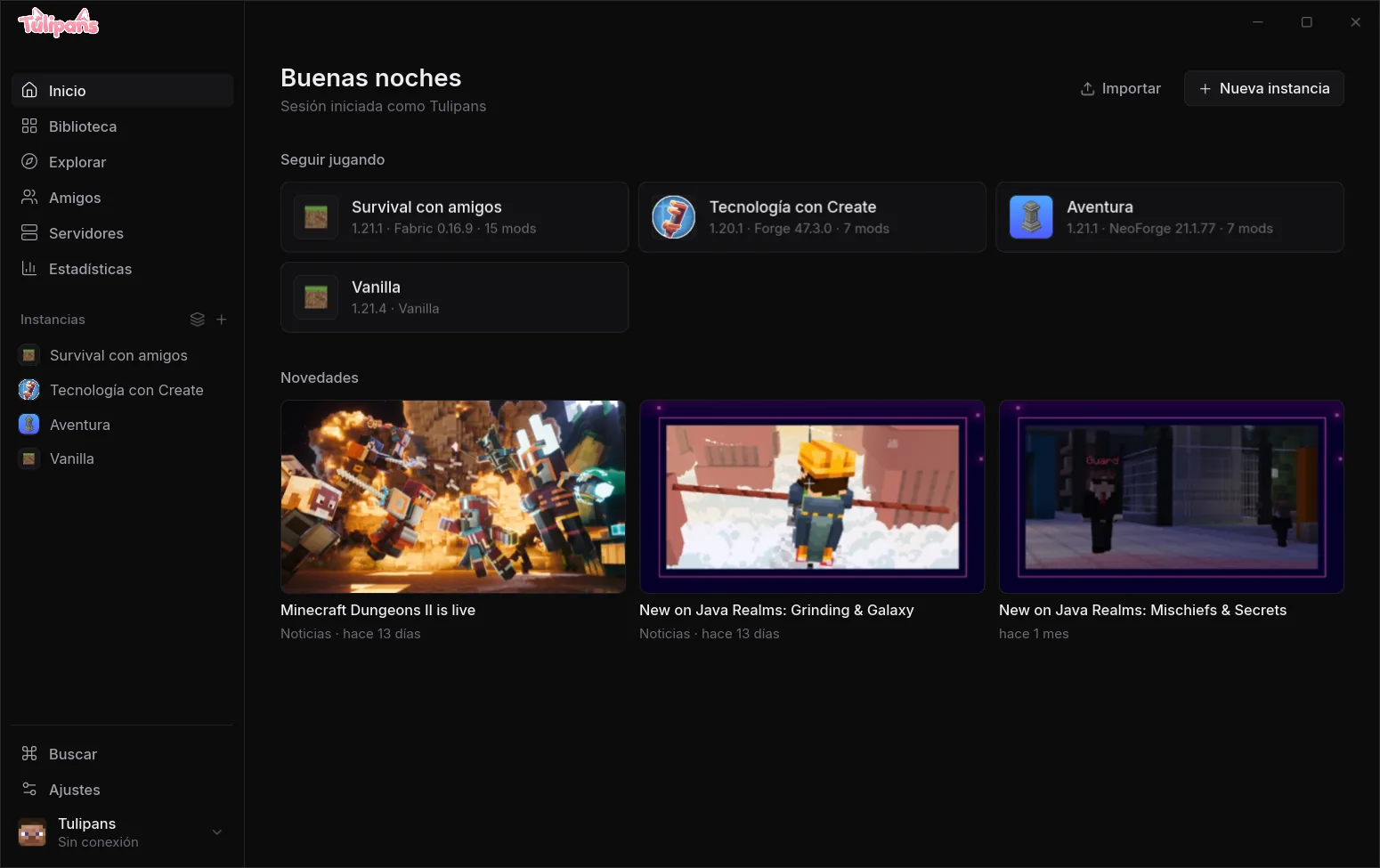
A profile for every way you play
Each profile has its own version, mods, worlds and settings, kept apart from the rest. Install Modrinth and CurseForge modpacks in one click, or build your own.
- Fabric, Quilt, Forge and NeoForge
- Update everything with a restore point
- Warns about duplicate or incompatible mods
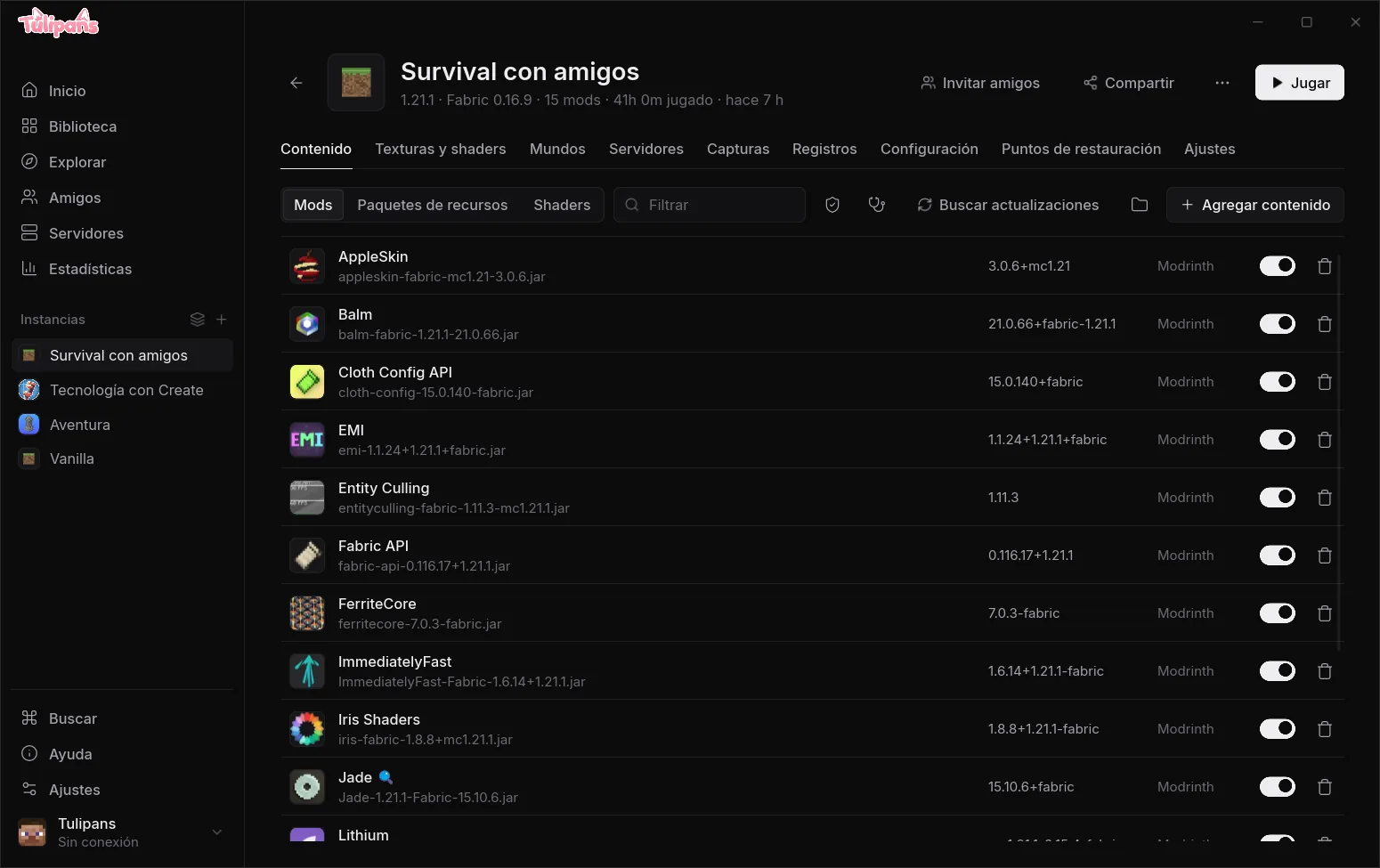
Packs and shaders without touching folders
Enable, disable and reorder resource packs, pick the active shader and find more without leaving the profile. If Iris or Oculus is missing, it installs with one button.
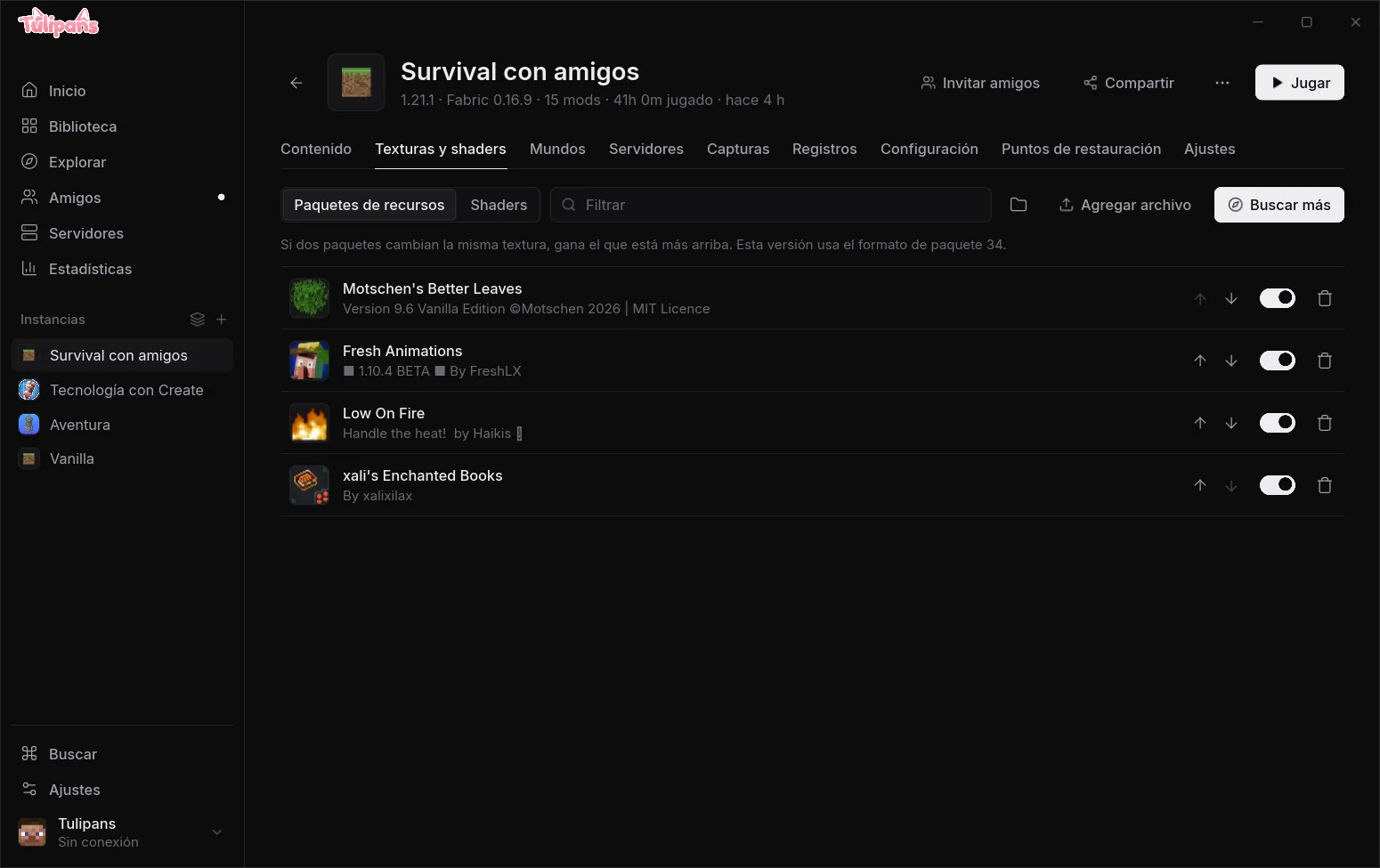
Play with friends without opening ports
See who's online and what they're playing. Open your world and friends join from a link or with "Join", no router setup.
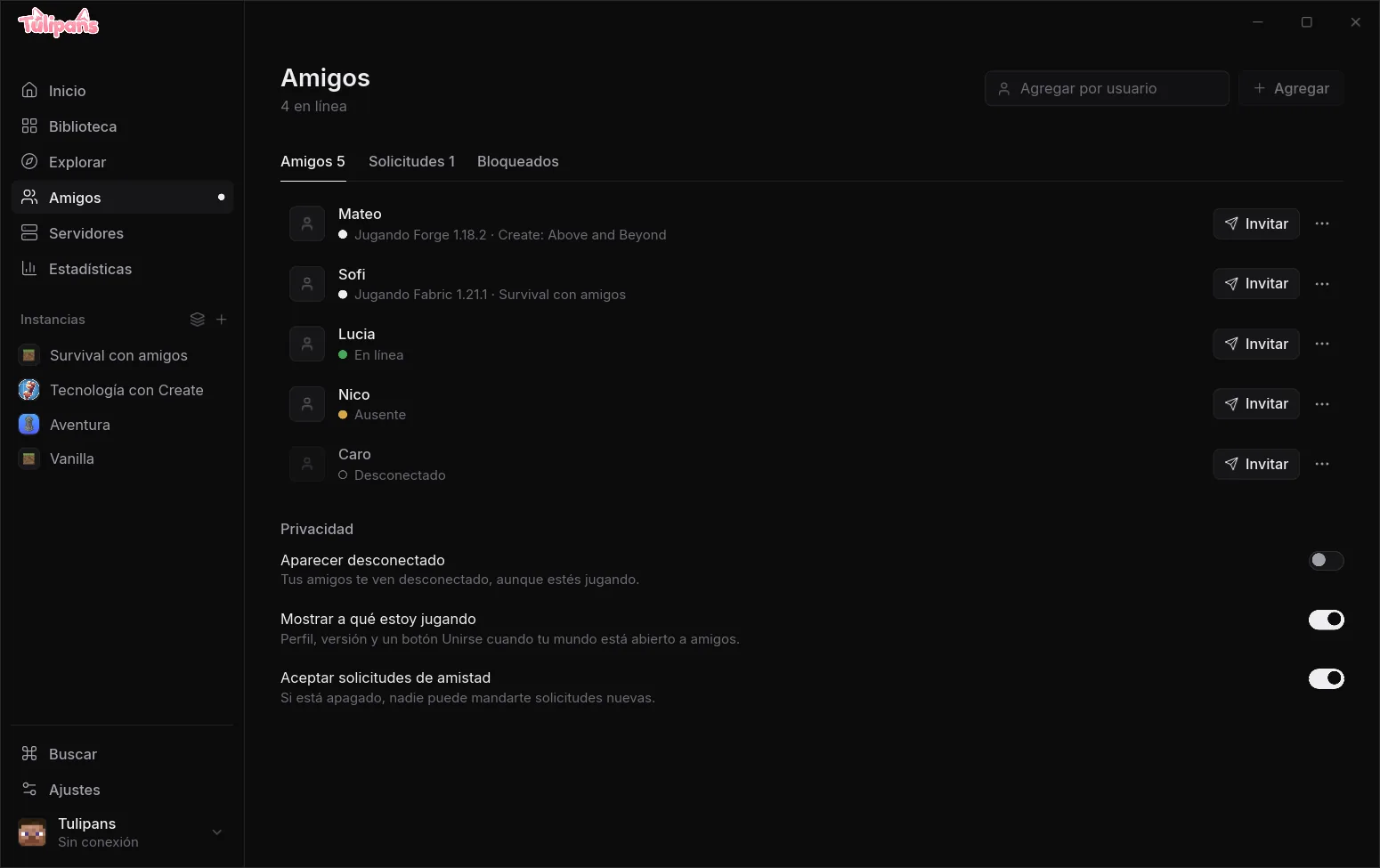
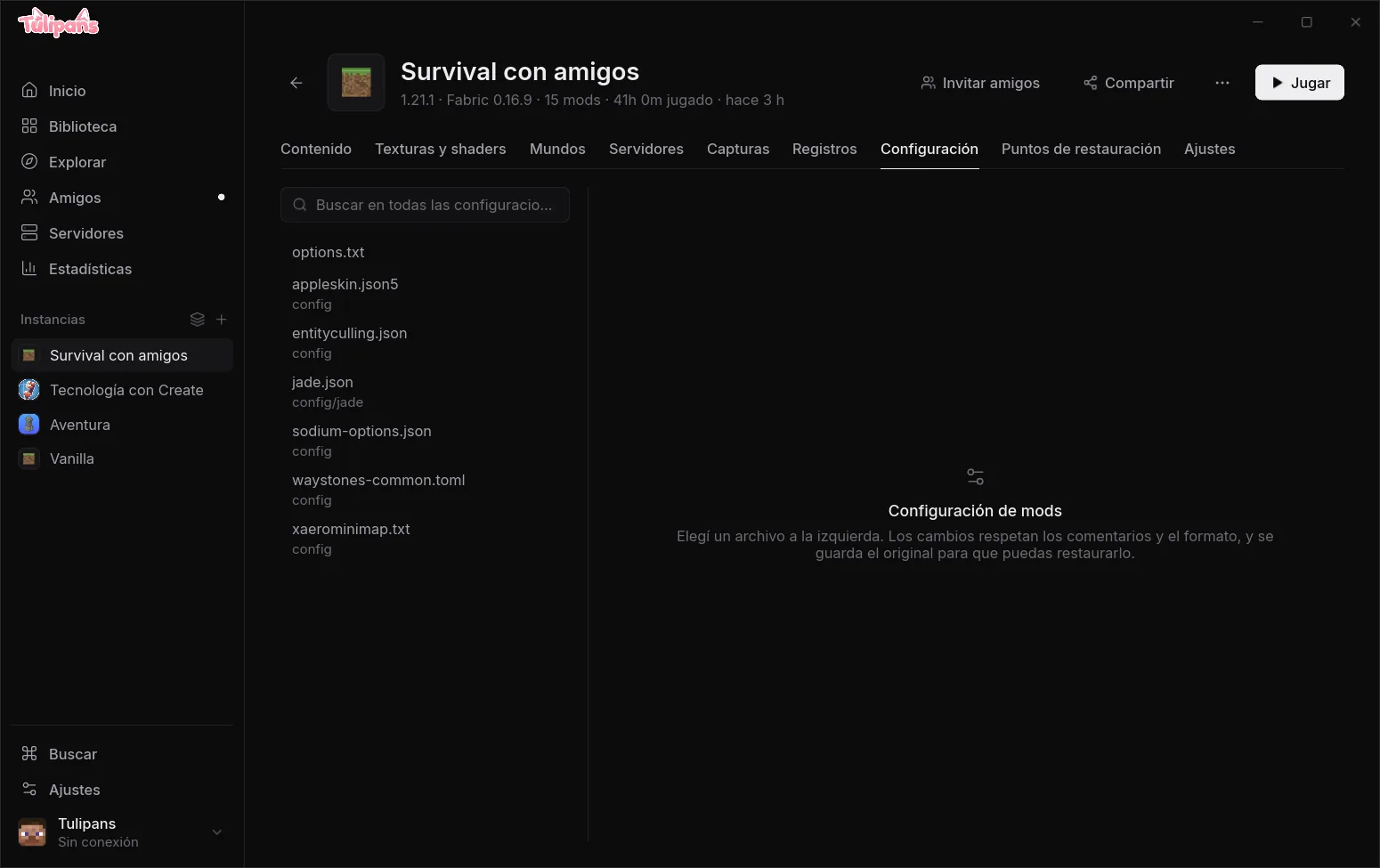
Configure mods without fighting files
An editor with toggles and search for your mods' config files. It keeps comments, saves the original and won't let you break anything while the game is open.
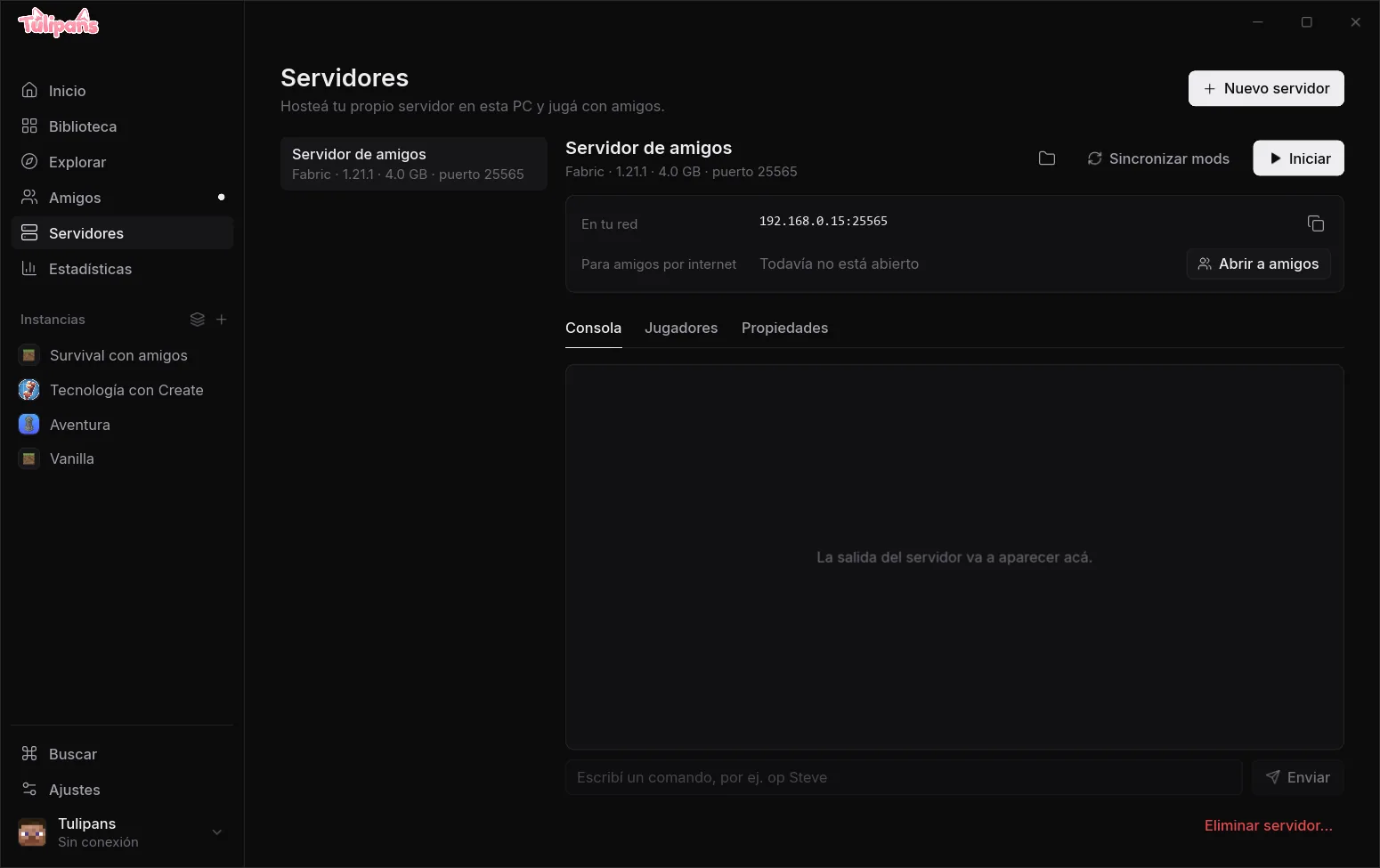
Your server in one click
Create a local server with console, players and properties, and open it to friends. Save your favorite servers with live ping too.
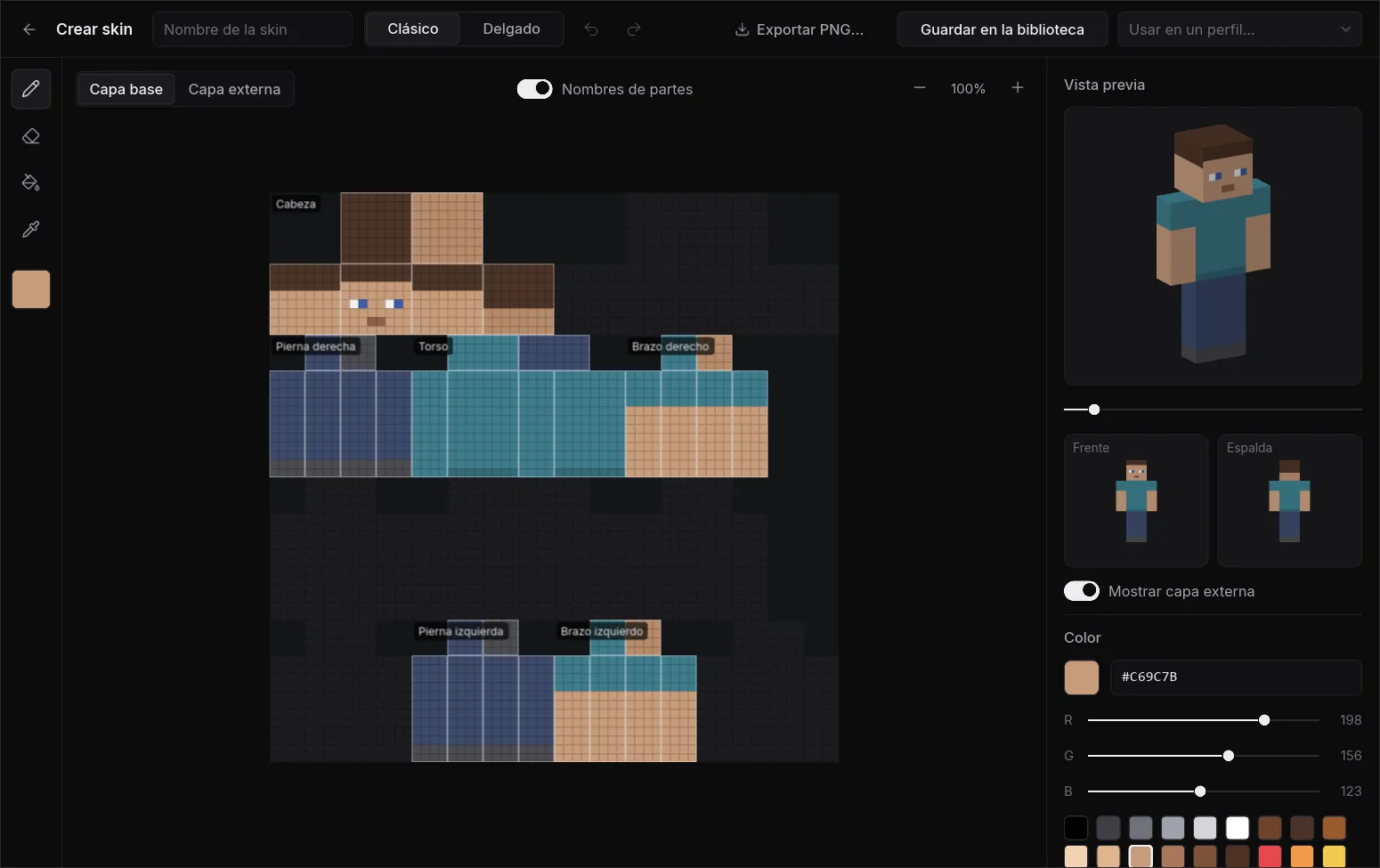
Design your skin right there
A skin editor with two layers, mirroring, fill and a 3D preview you can rotate. Keep a history of the skins you used and copy any player's skin.
And plenty more tools
Built so you spend less time fixing and more time playing.
Crash diagnosis
Reads the log, tells you what happened and offers the fix. If it's a mod, it finds it by testing halves.
Share with a link
Profiles, modpacks and logs. Your friends get exactly the same setup.
Automatic memory
Sizes RAM from your mods and your PC. No more guessing numbers.
Cloud backups
Back up your worlds and sync profiles between computers.
Restore points
A copy is saved before updating. If something breaks, you roll back.
Ctrl+K search
Profiles, installed mods, pages and actions, all from the keyboard.
Bring your profiles
Imports profiles from CurseForge, Modrinth App, Prism, MultiMC and the official launcher.
Portable mode
Carry the launcher and all your profiles on a USB drive.
Actually lightweight
Built in Rust with a native interface, no browser hidden inside.
Measured on Windows 11 with version 0.2.0 at idle, with four profiles.
FAQ
Is it free?
Yes. The launcher and the Tulipans account are free.
Can I sign in with my Microsoft account?
Microsoft sign-in inside the launcher is waiting for Mojang's approval. Meanwhile you can play with an offline account, and in modded profiles the launcher adds an account switcher to the game's title screen, where you can sign in with your Microsoft account.
Where do the mods come from?
From Modrinth and CurseForge, downloaded straight from their servers and checked against their hash.
Do I need a Tulipans account?
Not to play. The account is for sharing profiles and logs, friends and cloud backups.
What data do you keep?
Only what's needed for the features you use, like what you share or upload. Details are in the privacy policy.
Can I bring my profiles from another launcher?
Yes: it detects profiles from CurseForge, Modrinth App, Prism, MultiMC and the official launcher, and copies them.
Try it now
Download it, open it and play. Your profiles from other launchers import in a minute.